Business banking
made simple

SEPA payments
Instant transfers
Transparent pricing
Smart, simple Internet Bank



Run your business
finances from anywhere
Manage your company’s accounts, payments, and user rights in one
secure place fully online from anywhere in the world.

View balances and
statements
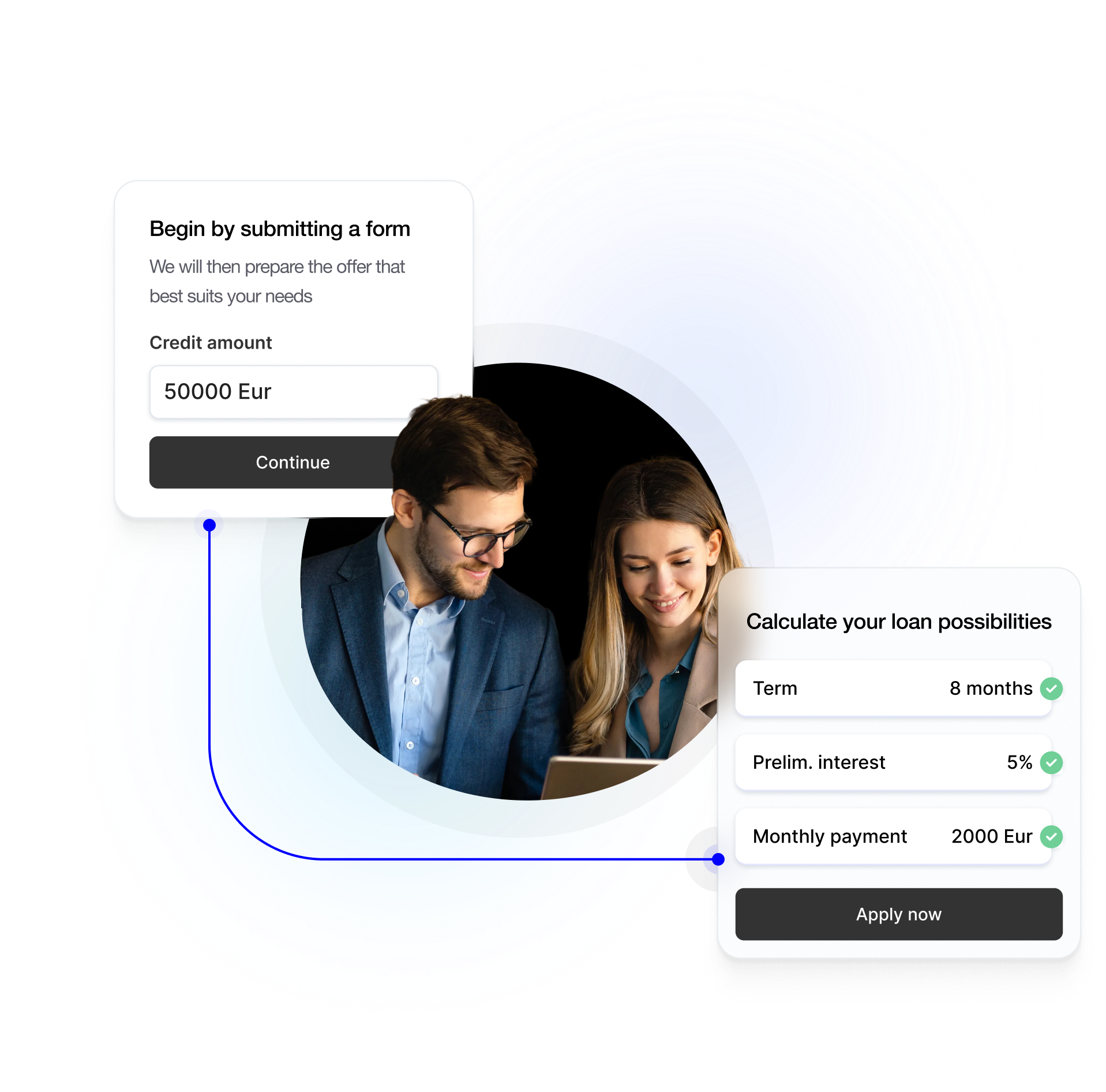
Apply for financing
SEPA and instant
payments
User rights & limits
Manage loans
Reports download
Choose a business bank
that saves you time
Open your account online.
Fast onboarding, secure access, and service built for growing businesses.

You may also be interested

Business loan
Access flexible financing for working capital, business expansion or long-term investments – with terms tailored to your company.

Leasing
Finance the vehicles, machinery or equipment your business needs while keeping more working capital available for growth.

Factoring
Access up to 90% of your invoice value without waiting for customers to pay. Improve cash flow and keep your business moving.
Frequently Asked Questions
You can check your account balance at any time in Internet Bank.
Account statements can be generated and downloaded in Internet Banking. You can also request them by contacting the bank. Please note that statements provided by the bank are charged according to the current price list.
You can send a message via Internet Bank, contact your manager or send an e-mail to operations@finorabank.eu
To log in, you need to enter your login code (sent to you by email) and confirm your identity using Mobile ID or Smart-ID. If you see an error, try again or refresh the page. If it still does not work, contact us via email: operations@finorabank.eu
If Internet Bank is not working or you forgot your login code email operations@finorabank.eu or call us +370 672 12687. We will help right away.
Once logged in, your balances are visible on the main page under the Bank accounts section. Detailed account information can be found in Statements.
Payment limits are set per user and account . You can view current limits in Internet Bank section Settings or ask the bank to adjust them.
Please contact us by email at operations@finorabank.eu or by phone at +370 672 12687. We will verify your identity and block an access.
The company manager have to senda messagase via Internet Bank or an email to operations@finorabank.eu, with the following information: New eser information:
First name, last name
Name and code of the represented company
Phone number associated with the mobile signature (if planning to use a mobile signature to log in to internet banking)
New user contact information:
Email address
Phone number
Type of access rights:
Administrator (all rights)
Payment approval (payment approval, entry, and viewing rights)
Payment entry (payment entry and viewing rights)
Viewing (viewing rights only)
Upon receiving this information, we will send an email to the new user with a link to complete identity verification. Once the information is processed and the company manager has signed the annex to the agreement with a qualified e-signature, the new user will receive internet banking login details via email.
Simply send us a message with your new contact information via the Messages section in Internet Bank. Our team will update your details promptly after verifying your request.
Go to Internet Bank and on the right top press on the letter-shaped button. Choose message subject and enter your question/request in a form of free text.
Yes. Finora Internet Bank uses strong encryption, secure authentication (such as Smart-ID and Mobile-ID) and continuous monitoring to protect your data and transactions. You should also keep your devices secure and never share your PINs or login details or disclose them to other persons.